Nairobi & surrounding areasYour comfort, our priority.

Cleaning & homecare in Nairobi

A fresh space.
A lighter day.

Cleaning and everyday help, with an itemised quote you approve and one place to follow the work. Choose one service or combine a few.

No payment needed to send a request.

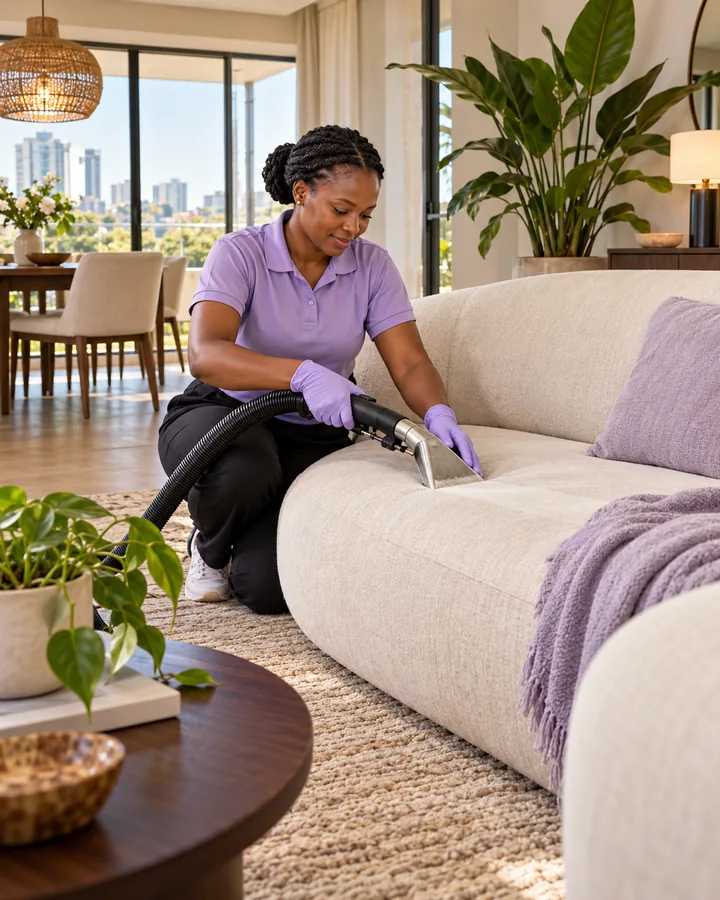
Illustrative homecare photograph of a woman in a lavender polo cleaning a cream sofa in a bright Nairobi apartment
Make room for living.
A quote you approve A confirmed appointment Updates in one place

Cleaning, laundry & everyday help

What needs
care today?

Select one or more services.
Open “Service guide” to see what to discuss before booking.

9 ways we can help

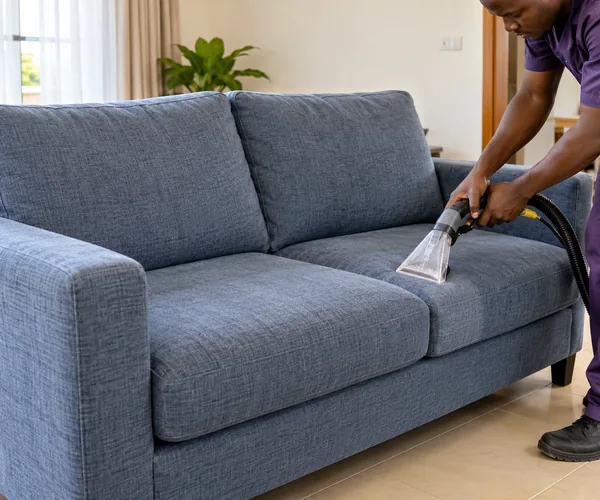
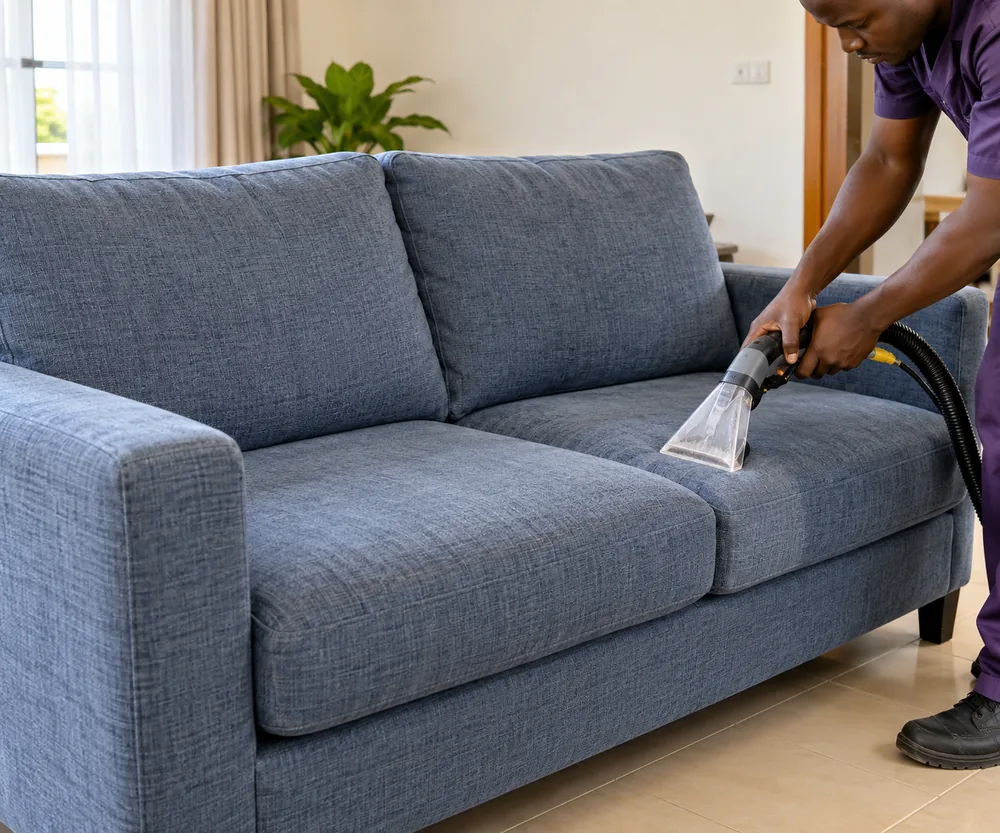
Illustrative photo: a handheld upholstery extractor cleaning a blue-grey sofa, with its arms, back and seat cushions visible

Sofa & upholstery

Cleaning for sofas, armchairs and upholstered seats.

Service guide

Your itemsSofas, armchairs and upholstered seats. Tell us the number of seats, fabric and any marks or delicate areas.

Before bookingAgree the suitable cleaning approach, items included and drying expectations.

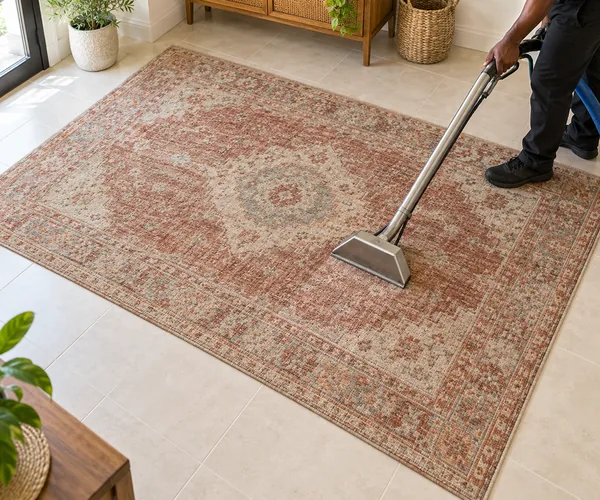
Illustrative photo: a long floor-cleaning wand on a rust-coloured patterned rug, with tiled floor visible around its edges

Carpets & rugs

Cleaning for floor carpets and loose rugs.

Service guide

Your itemsLoose rugs or floor carpets. Share the number, approximate sizes and any stains or concerns. A photo can help.

Before bookingAgree on-site or collection arrangements, charges and when the carpet can be used or returned.

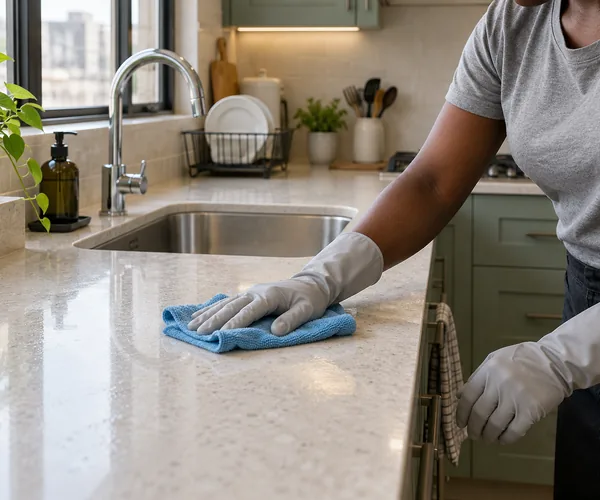
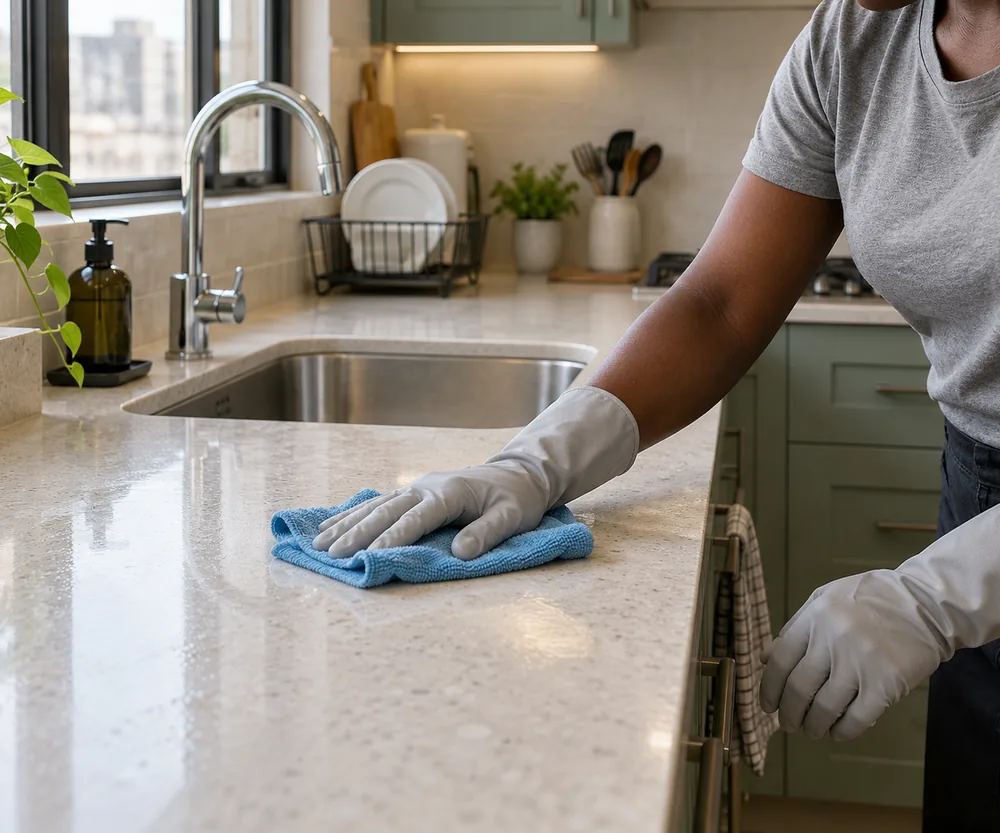
Illustrative photo: a gloved hand wiping a kitchen worktop beside a stainless steel sink with a blue cloth

Home & compound

General or deep cleaning for rooms and outdoor areas.

Service guide

Your spaceGeneral, deep or compound cleaning. Tell us whether the home is occupied or empty, and which rooms or outdoor areas need attention.

Before bookingAgree the rooms, surfaces and outdoor work included in the quotation, plus any extras.

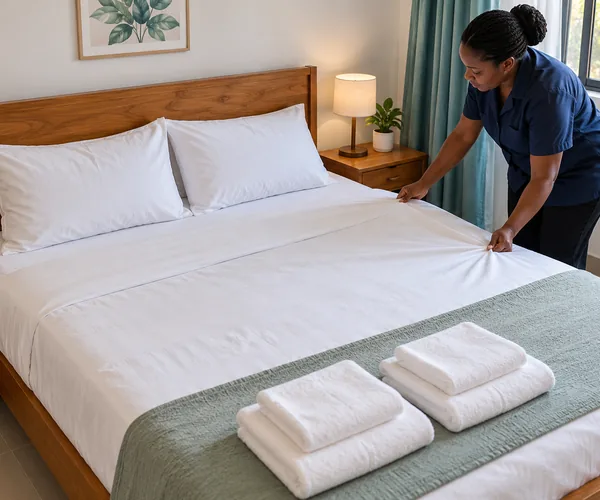
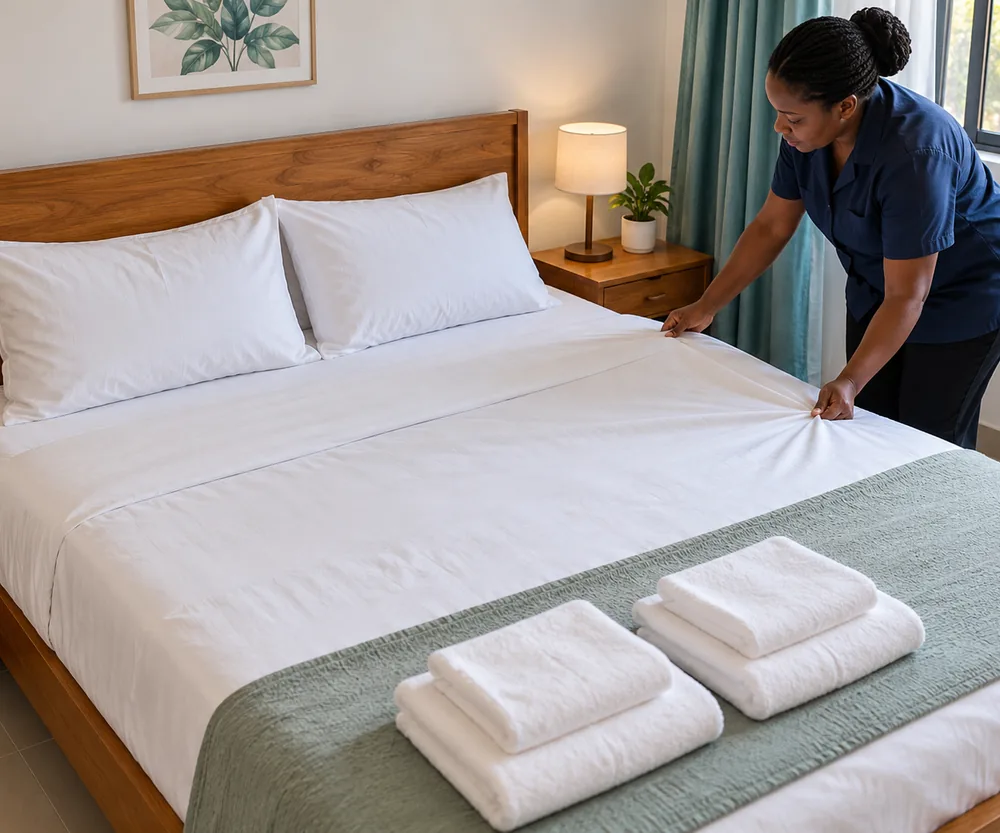
Illustrative photo: a housekeeper straightening fresh white linen on a guest bed, with folded towels ready for the next stay

Airbnb turnovers

Cleaning and preparing your rental between guests.

Service guide

Your turnoverTell us the property size, guest checkout time and next check-in deadline. Mention access and anything that needs special attention.

Before bookingAgree linen responsibilities and the readiness checklist. Laundry can be requested as an additional service.

More ways we can help.

Car cleaning at home

Request interior cleaning, exterior cleaning or both.

Service guide

Your vehicleRequest interior cleaning, exterior cleaning or both. Tell us the vehicle type, location and areas that need care.

Before bookingAgree access, any water or power needs, and exactly what the quotation includes.

Fumigation

Tell us which pests and areas need attention.

Service guide

Your concernTell us the pests you have noticed, the affected areas and the type of property.

Before bookingAsk for the treatment plan and the preparation and re-entry guidance before agreeing the service.

Pick & drop laundry

Laundry with collection and return to be arranged.

Service guide

Your laundryShare the item types or approximate load, any special handling needs, and the collection location.

Before bookingAgree washing, ironing or folding needs, collection and return timing, and the charges.

Errand running

Help with agreed pickups, deliveries and everyday tasks.

Service guide

Your taskDescribe the pickup, destination and deadline. Explain whether purchases or deliveries are involved.

Before bookingAgree purchase limits, transport charges, payment arrangements and how receipts will be provided.

House-help agency

Enquire about household staff placement and support.

Service guide

Your householdThis is a house-help agency enquiry. Tell us the duties, preferred start date and whether you need live-in or visiting support.

Before proceedingAgree the placement process, fees, checks and any replacement terms. For a cleaning visit, choose Home & compound.

Not sure where to start?Ask for help on WhatsApp

Clear from the first request

Your care.
All connected.

Your agreed work, quotation, appointment and receipts stay together on your private request page.

Open my request
  1. 01

    Tell us what needs care.

    Choose your services and add your name, phone and area. A preferred date, location pin and photos are optional.

  2. 02

    Approve your quotation.

    Review the itemised price, work and instructions. Download the PDF, accept it or ask for a change.

  3. 03

    Confirm the appointment.

    Lavenda agrees availability with you and saves the appointment. A preferred date alone does not reserve a visit.

  4. 04

    Follow the work.

    Return to your private page for progress and receipts. Request a change, raise a concern or ask for the service again.

Start with your day

A fresh start,
your way.

Some things just go together. Use these ideas to start your enquiry, then make it your own.

Illustrative photo of a blue-grey sofa being cleaned with an upholstery extractor01 / SETTLE IN

The living-room refresh.

For the seats you sink into and the rug under your feet.

SofasCarpets
Start with these services
Illustrative photo of a housekeeper preparing fresh linen and towels on a guest bed02 / WELCOME IN

The guest-ready home.

Enquire about turnover cleaning and laundry together.

Airbnb turnoverLaundry
Start with these services
Illustrative photo of a kitchen worktop being wiped beside a stainless steel sink03 / BREATHE OUT

The home reset.

Bring your rooms, favourite sofa and laundry into one request.

Home cleaningSofasLaundry
Start with these services

These are starting points for your enquiry. Lavenda will agree the scope, price and timing with you.

Good questions

A little clarity,
before we begin.

Something else on your mind?
We’re a message away.

Ask Lavenda
How much will my cleaning cost?

The price depends on the work, quantity or size, condition and location. Your itemised quotation shows the charges and agreed extras. Review the total before accepting; no payment is needed to send a request.

Can I receive a PDF quotation?

Yes. Your request page shows any issued quotation with the service details, charges and terms. Download the matching branded PDF, accept the quotation or request a change. Lavenda confirms the appointment separately.

Can I combine different services?

Yes. Select as many of the listed services as you need. They will appear together in one saved request, so you can discuss the scope, price and arrangements with Lavenda.

Which areas do you serve?

Nairobi and surrounding areas. Share your estate or location in your enquiry so Lavenda can confirm arrangements for your area.

Can I choose a date?

Yes. Add your preferred date to the request. Lavenda will agree availability with you, then the confirmed appointment will appear on your private request page.

What is included in each service?

Open the Service guide beside each service for useful details to discuss. The issued quotation and agreed instructions define the work. Ask for any changes or extra tasks before accepting so both you and the team know what to expect.

What happens after I send my request?

Your request is saved for Lavenda to review. You receive a reference and a private link to its quotation and updates. You can also continue the conversation on WhatsApp. A preferred date becomes an appointment only when Lavenda confirms it.

What if my plans change?

Open the appointment on your private request page to ask for a new date or cancellation. The saved appointment stays in place until Lavenda agrees the change. Check the published policy or contact Lavenda to discuss the arrangements.

Can I report a concern after the service?

Yes. Use the feedback or concern option on your private request page to explain what needs attention. Lavenda can respond there. If you need a prompt conversation, call or send a WhatsApp message.

How do I return to my request?

Save the private link shown after you send your request. It opens your quotation, service updates and receipts. Track my request also shows links available in your current tab. If you cannot find your link, contact Lavenda for help; keep it private because anyone with it can access that request.

Nairobi & surrounding areas

Your next
fresh start
is a hello away.

Your Lavenda quote

Get a quote.

  1. 1 Services
  2. 2 Your details
  3. 3 Review

Choose your services

Select one or more. You can change them before sending.

0 services selected

Not sure? Ask for help on WhatsApp.

Help the team find you

Pin the service entrance.

At the property? Use this phone’s location, then check the entrance or gate. Booking for somewhere else? Move the map or use a saved pin.

Nairobi & surrounding areas

Opening the map…

Tap or drag the pin to the entrance. Use “Surrounding area” to look for familiar roads without moving your pin. The circle shows the phone’s estimated accuracy.

Recognise this area?

Look up nearby road, area or place names to help recognise the surroundings.

“Show nearby names” shares an approximate position with Photon to look up the area. Your entrance pin stays unchanged.

Nairobi is the starting view. Choose the service entrance before confirming.

Find or paste another location

The area you typed is not automatically searched on this map. You can look it up in Google Maps, then choose the entrance here or paste its coordinates.

Find this area in Google Maps ↗

Use a latitude and longitude separated by a comma. Short Maps links and a map’s viewing centre cannot be used as an entrance pin.

Phone location not right?

Turn on your phone’s Location setting. Allow location for your browser and this website, and choose Precise location where offered. Retry near the property entrance with a clearer view of the sky.

Android: Browser app info → Permissions → Location → Allow while using the app → Use precise location. Location Accuracy is a separate setting under Location → Location services.

iPhone: Settings → Privacy & Security → Location Services → your browser or Safari Websites → allow while using and enable Precise Location.

If an in-app browser cannot request location, open Lavenda in Chrome, Samsung Internet or Safari. You can always place a pin yourself or share the exact location later.

Using a keyboard: Focus the map, use the arrow keys to move, then choose “Pin map centre”.

Location is requested only after you tap the button, for up to 25 seconds. The check stops when you confirm, adjust the pin, leave or close this map. Only your confirmed pin is added to the draft.